

Last September, I sat down to figure out why our grocery budget had exploded. I was convinced food prices were the problem.
After connecting our accounts to a budgeting app, I discovered groceries weren’t even the biggest issue.
It was the dozens of small purchases I barely noticed. A coffee here. Amazon there. A subscription I forgot existed. A last-minute Target run for “one thing” that somehow turned into $87.
That month alone, we found nearly $300 in spending we didn’t realize was happening. That’s $3,600 a year. Enough for a family vacation, several months of groceries, or a healthy emergency fund.
Disclosure: This post may contain affiliate links. If you purchase through one of these links, I may earn a small commission at no extra cost to you. I only recommend products, apps, and services that I personally use, trust, or believe will genuinely help busy parents. Thank you for supporting Parent Intel!
I have now tried a dozen budgeting apps for families, so you don’t have to. These are the budgeting apps I think are genuinely worth considering.
One easy way we save a little extra each month is by using Rakuten for online shopping. If I’m ordering school supplies, household essentials, or even clothes for my son, I always check if cash back is available first. If you join through my referral link, you can receive a welcome 💰cash bonus after your first qualifying purchase.
If I Were Starting Today
- Want the easiest option? → Monarch
- Want to aggressively save money? → YNAB
- Think you’re wasting money on subscriptions? → Rocket Money
- Want to teach kids about money? → Greenlight
5 Budgeting Mistakes Parents Make
- Not planning for annual expenses
- Ignoring subscriptions
- Forgetting seasonal costs
- Not tracking school expenses
- Trying to budget without their partner
Quick Comparison
| App | Best For | Free Option | Couples | Kids |
|---|---|---|---|---|
| Monarch | Families | No | Yes | No |
| YNAB | Serious budgeters | No | Yes | No |
| Rocket Money | Cutting expenses | Yes | Limited | No |
| Greenlight | Kids & allowance | No | Parent controls | Yes |
How I Chose These Budgeting Apps
When I looked at budgeting tools, I focused on what matters most to families:
- Easy to use
- Works with busy schedules
- Helps track real family expenses
- Makes it easier to save money
- Useful for couples
- Flexible enough for unexpected costs
Because let’s face it: parenting isn’t predictable.
A budget needs to survive back-to-school season, summer camps, holiday spending, sports registration, and all the surprise expenses that come with raising kids.
1. Monarch Money
Best for Families Who Want Everything in One Place
If I had to recommend one app to a busy parent who doesn’t enjoy budgeting, this is probably the one I’d start with. It’s simple enough that you’ll actually use it but powerful enough to show where your money is really going.
Instead of checking multiple bank accounts, credit cards, savings accounts, and investments separately, everything appears in one dashboard.
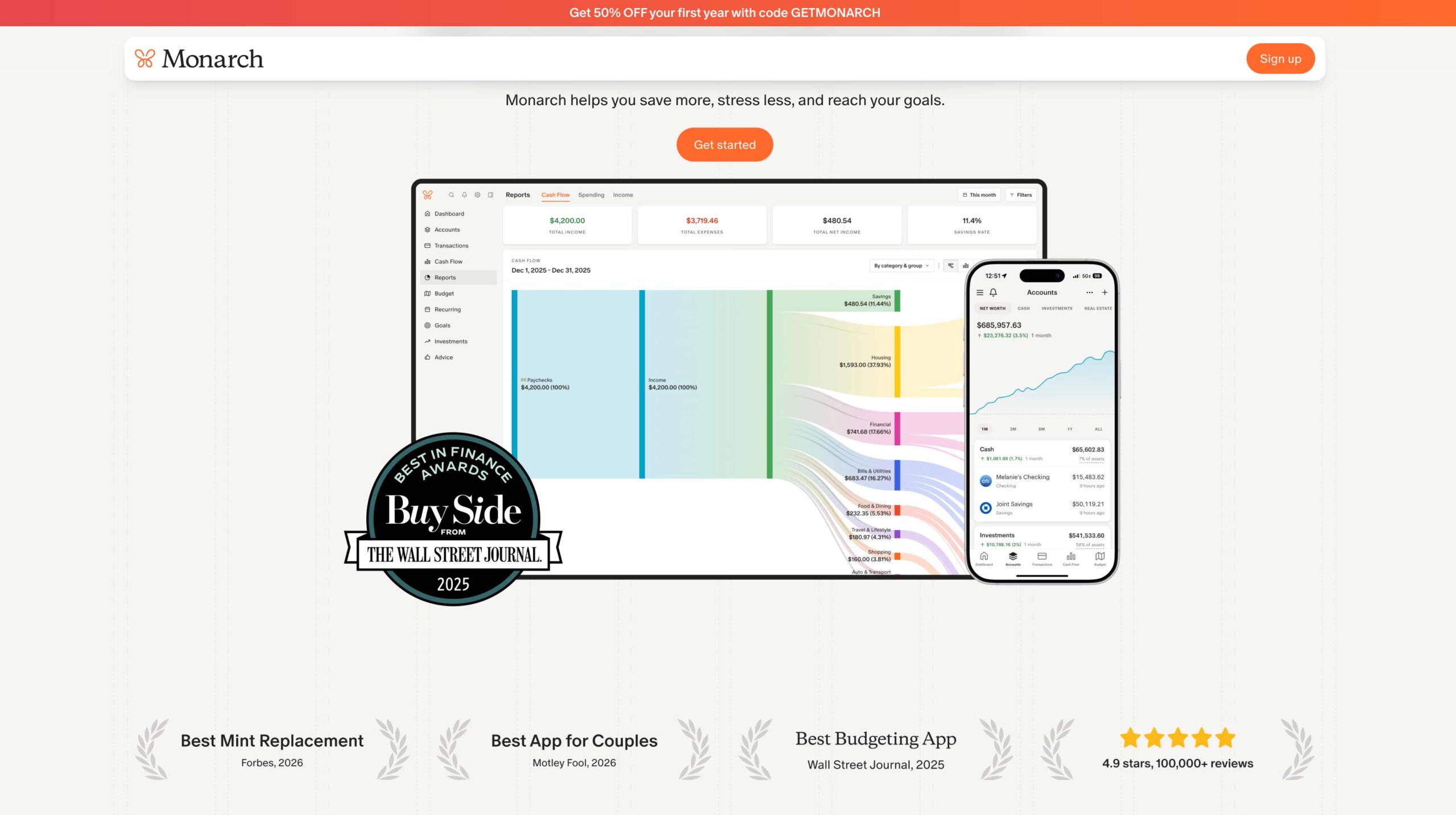
As a parent, I love anything that saves time. What makes Monarch especially useful for families is the ability for both partners to stay on the same page.
No more wondering:
- Did someone already pay for soccer registration?
- How much have we spent on summer activities?
- Are we still on track for vacation savings?
You can create categories for things like:
- School expenses
- Childcare
- Extracurricular activities
- Family vacations
- Holiday spending
One thing that surprised me was how quickly spending patterns became obvious.
Many families assume they’re overspending on groceries. Sometimes the real issue is subscriptions, takeout, online shopping, or recurring charges that quietly add up every month.
| What I Liked | Cons |
|---|---|
| Clean, modern interface | No free version |
| Great for couples | More features than some families need |
| Excellent spending reports | |
| Everything in one place |
2. YNAB (You Need A Budget)
Best for Parents Who Want to Take Control of Every Dollar
YNAB has one of the most loyal followings I’ve ever seen. And after using it, I understand why.
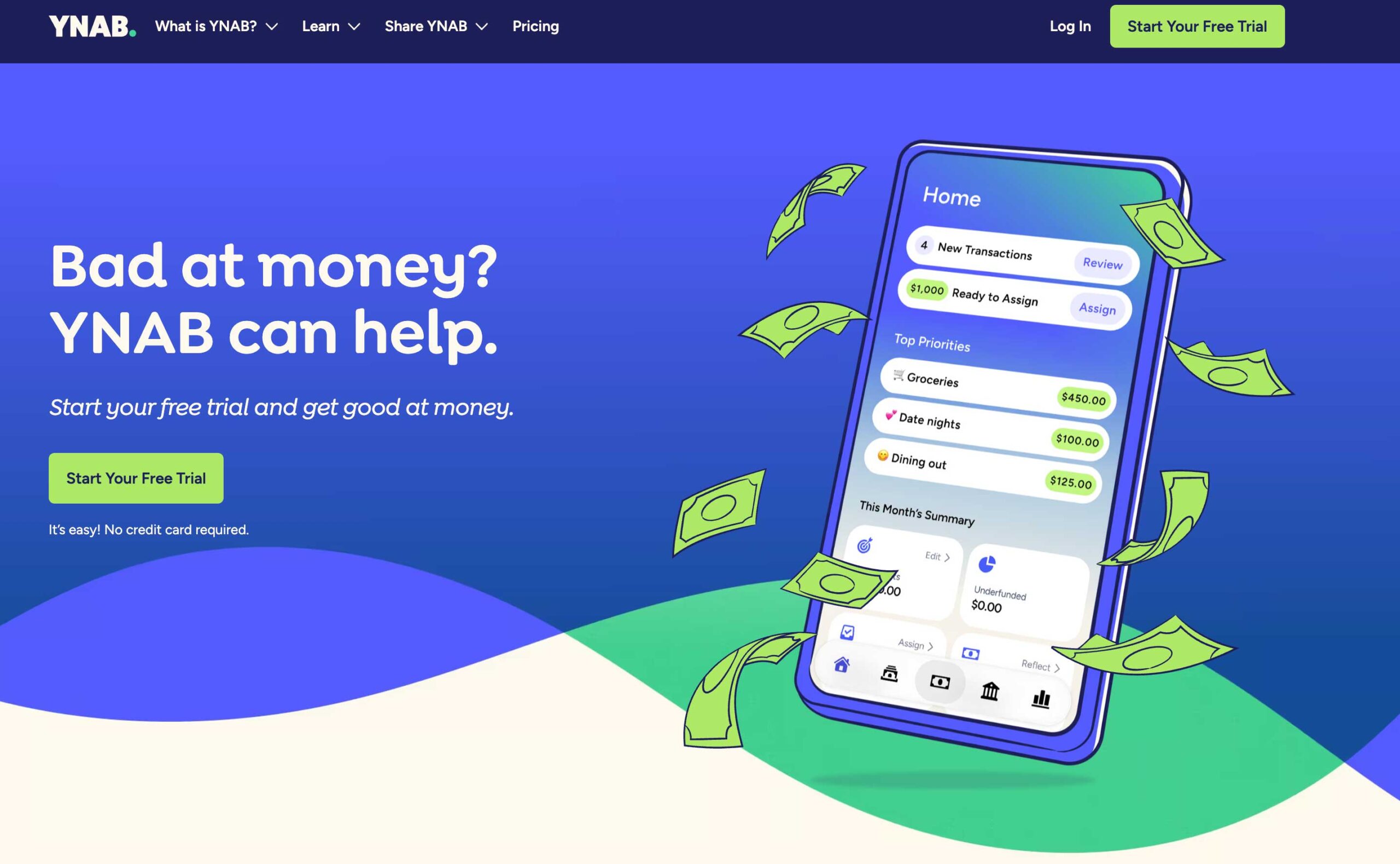
Unlike most budgeting apps that simply show where your money went, YNAB focuses on planning where your money should go before you spend it.
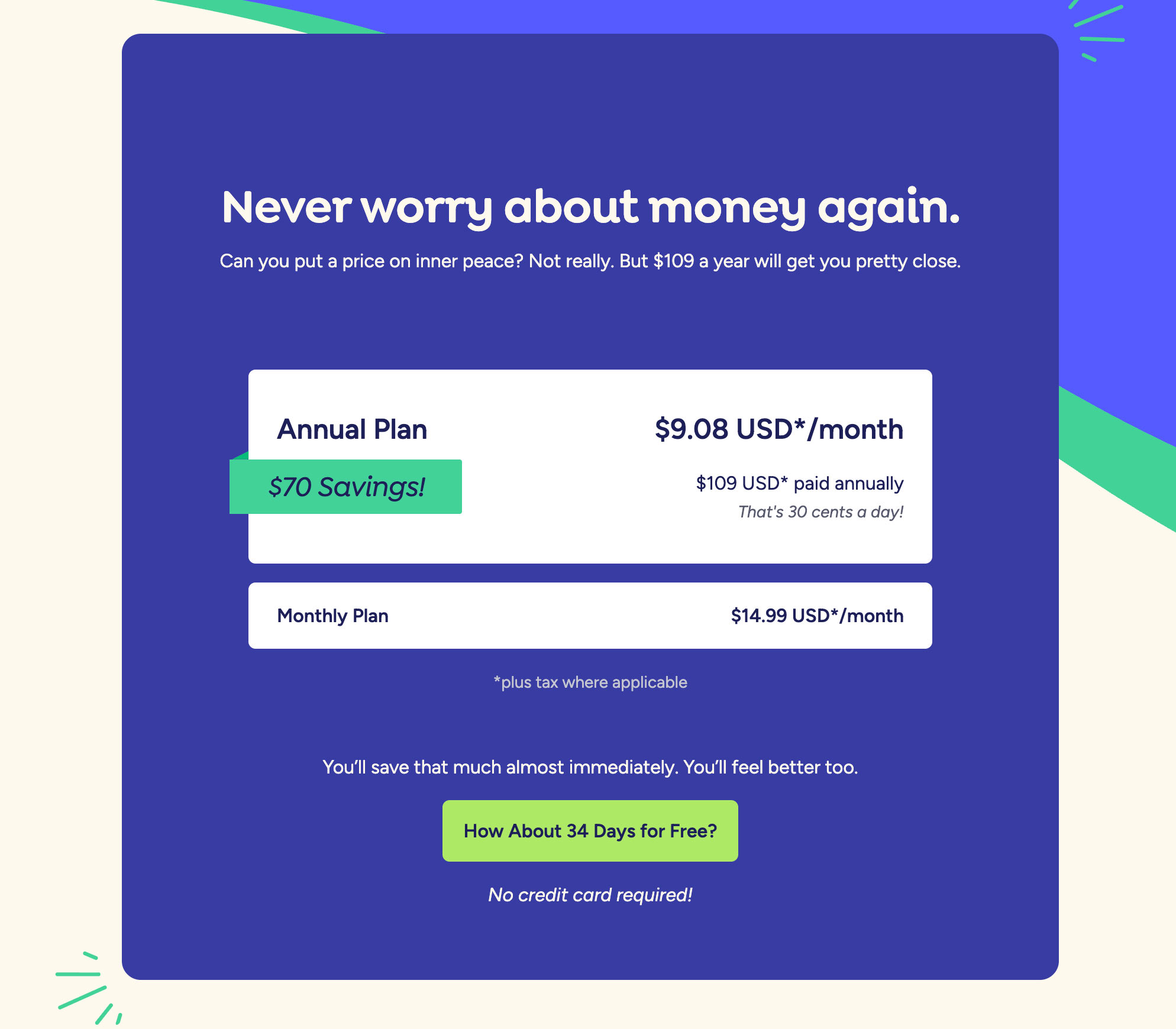
Every dollar gets assigned a job. At first, that sounded restrictive to me. But it’s actually incredibly freeing. Instead of being surprised by expenses, you prepare for them.
For example, instead of scrambling when summer camp registration opens, you slowly set money aside throughout the year.
The same applies to:
- Christmas
- School supplies
- Birthday parties
- Sports fees
- Family vacations
- Car repairs
Parents often say YNAB helped them finally build an emergency fund because they stopped treating predictable expenses like emergencies.
| What I Liked | Cons |
|---|---|
| Encourages intentional spending | Steeper learning curve |
| Great educational resources | Paid subscription |
| Excellent for saving goals | |
| Helps reduce financial stress |
3. Rocket Money
Best for Finding Money You’re Already Wasting
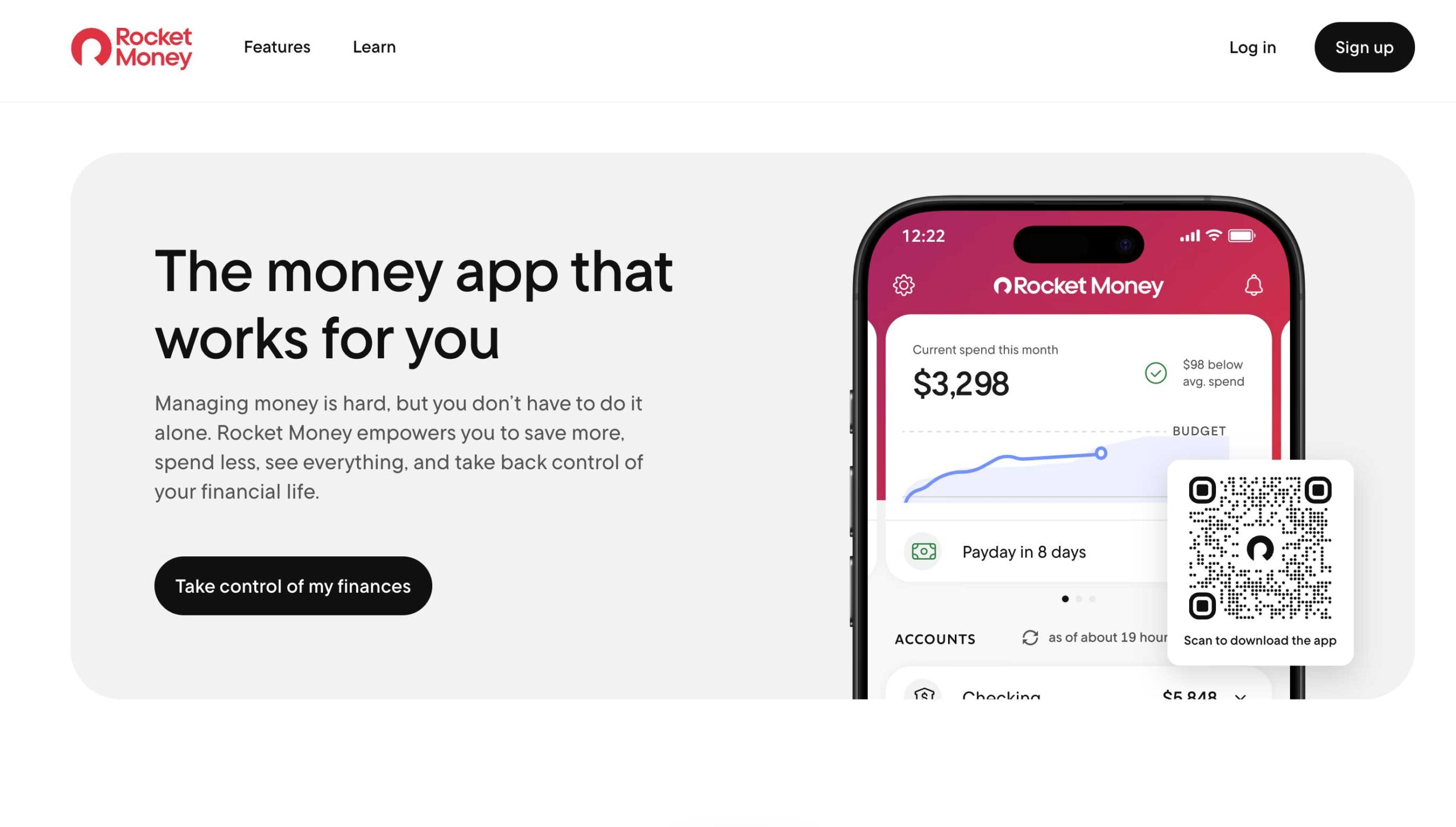
This might be the fastest way to save money without changing your lifestyle. Rocket Money specializes in finding subscriptions and recurring expenses. And if you’re anything like me, there are probably a few lurking in your bank account right now.
Maybe it’s:
- A streaming service nobody watches
- An old fitness membership
- A forgotten app subscription
- A free trial that wasn’t actually free
Many families discover dozens of dollars in monthly expenses they didn’t even realize they were paying.
That’s money you can redirect toward savings, debt payoff, activities, or simply creating more breathing room in your budget.
| What I Liked | Cons |
|---|---|
| Easy setup | Some premium features require upgrading |
| Quick wins | |
| Subscription tracking | |
| Helps reduce wasteful spending |
4. EveryDollar
Best for Parents Who Want Something Simple
Not everyone wants charts, reports, and advanced financial tools.
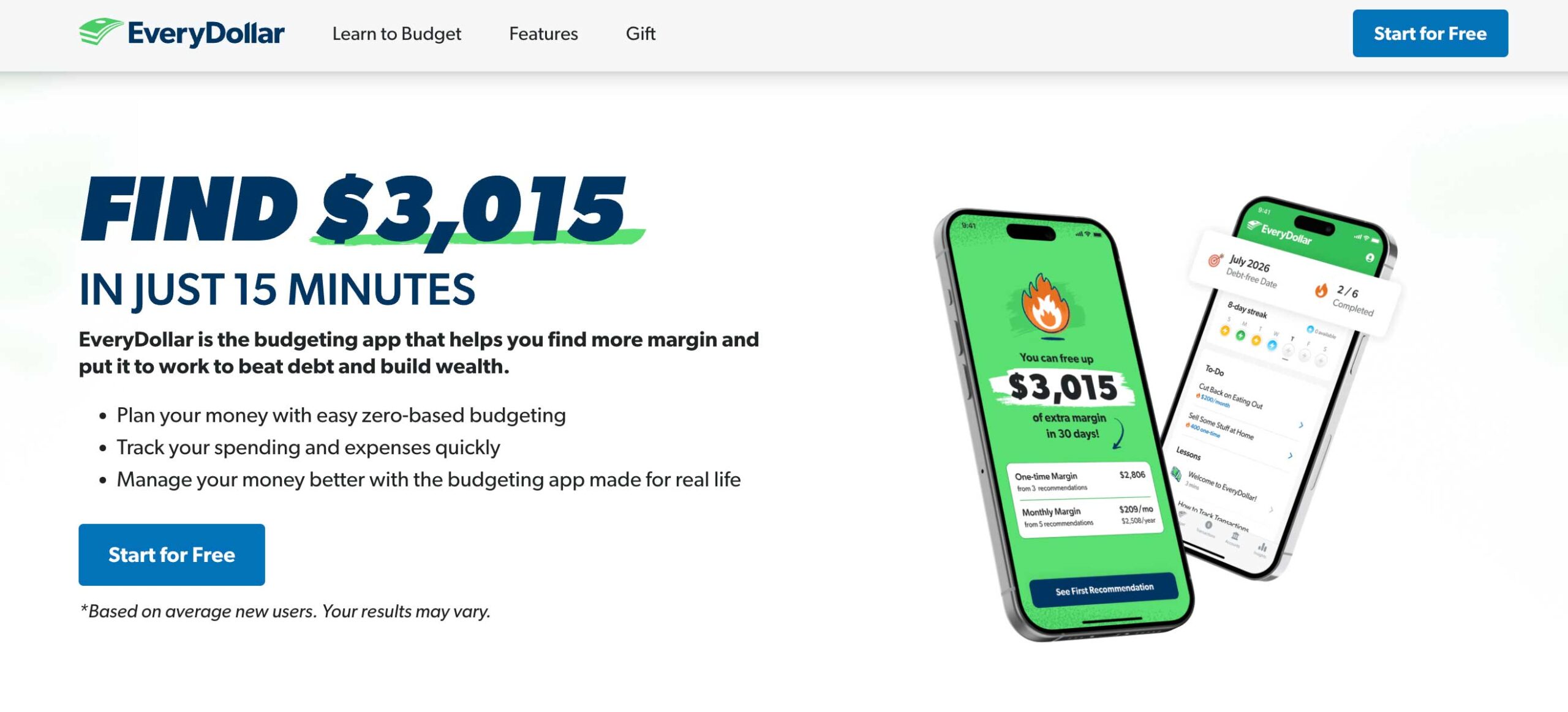
Sometimes you just want a straightforward budget. That’s where EveryDollar shines. The setup process is simple, and the interface feels approachable even if you’ve never used a budgeting app before. For busy parents already juggling work, school schedules, sports practices, and meal planning, simplicity can be a huge advantage.
| What I Liked | Cons |
|---|---|
| Beginner friendly | Fewer advanced features |
| Easy monthly planning | Less detailed reporting |
| Clean interface | |
| Fast setup |
5. Greenlight
Best for Teaching Kids About Money
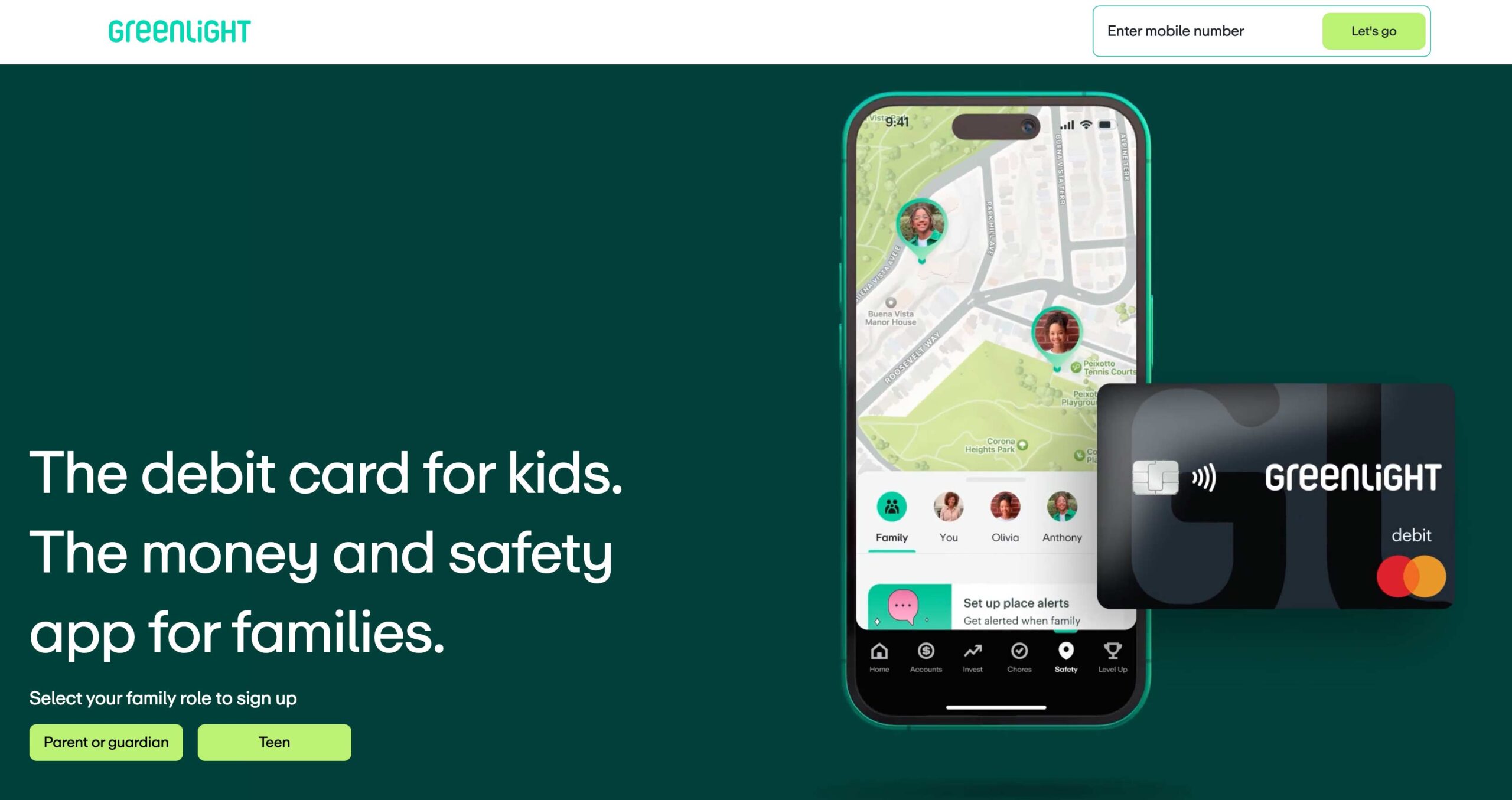
This one is a little different. Greenlight isn’t just a budgeting app for parents. It’s a financial education tool for kids.
Children receive a debit card while parents maintain oversight and controls through the app. What I love about Greenlight is that it creates opportunities for real conversations about money.
Kids can learn:
- Saving
- Spending
- Budgeting
- Goal setting
- Earning money
- Giving to others
These are skills many adults wish they had learned earlier. If your child is starting to earn allowance or manage spending money, Greenlight can be a great introduction to financial responsibility.
| What I Liked | Cons |
|---|---|
| Parent controls | Monthly fee |
| Allowance management | Not necessary for very young children |
| Spending notifications | |
| Teaches real-world money skills |
The 5 Budgeting Mistakes Most Parents Make
If I Were Starting Today
If you’re not sure where to begin, here’s what I’d choose:
Want the easiest all-around option?
Monarch Money.
Want to save aggressively and change your habits?
YNAB.
Think subscriptions are draining your budget?
Rocket Money.
Want something simple?
EveryDollar.
Want to teach kids about money?
Greenlight.
Frequently Asked Questions
Yes. The biggest benefit isn’t necessarily spending less. It’s understanding where your money is actually going so you can make better decisions.
Monarch Money is one of the easiest options because both parents can view and manage finances together.
Absolutely. Most budgeting apps allow you to create categories specifically for school supplies, field trips, sports fees, and extracurricular activities.
YNAB is particularly popular among freelancers, business owners, and families with variable income because it focuses on assigning jobs to available money rather than relying on fixed income assumptions.
Final Thoughts
Parenting is expensive. There will always be another school fundraiser, birthday party invitation, sports registration fee, or unexpected expense waiting around the corner.
A budgeting app won’t eliminate those costs. What it can do is help you feel more prepared for them. The best budgeting app isn’t necessarily the one with the most features. It’s the one you’ll actually use. Because when you know where your money is going, saving money becomes a whole lot easier.
Before You Go
If you found this article helpful, I’d love to hear from you. Leave a comment below to share your own experience, ask a question, or let me know what topics you’d like us to cover next. Your ideas and stories help us create better resources for parents everywhere.