

When the kids are restless and you do not have the energy to plan something complicated, ChatGPT can help you find one simple activity quickly.
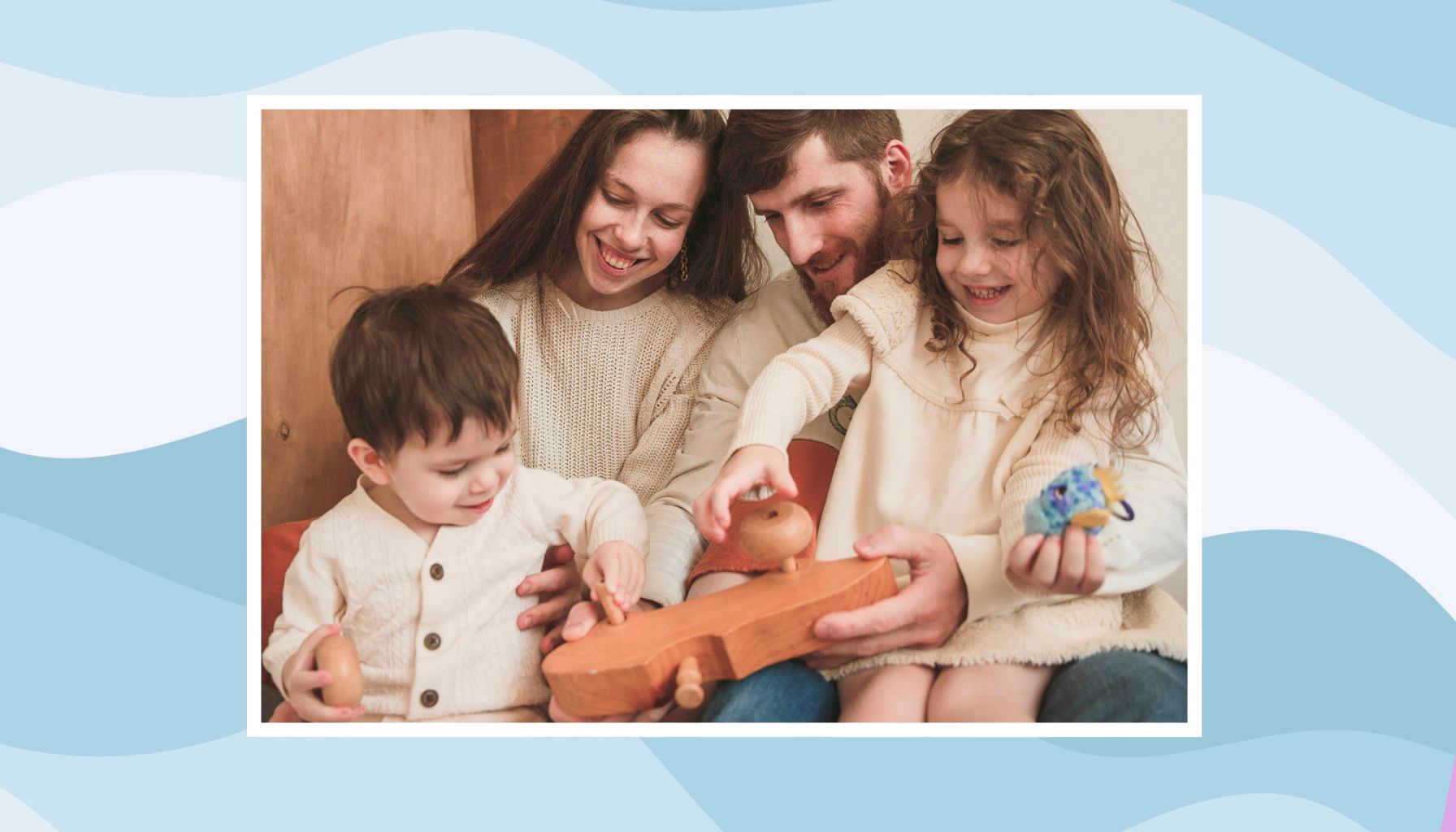
Parent Intel contains affiliate links and is a member of the Amazon Services LLC Associates Program. If you make a purchase using one of our links, we earn a small commission.
Use it for a few minutes of planning, then put the screen away. ChatGPT provides the idea, but your family does the playing, talking, building, and creating.
In This Post, You’ll Learn
- Low-prep ChatGPT activities for kids
- Rainy-day and road-trip ideas
- Activities for mixed-age siblings
- Ways to use supplies you already have
- Tips for keeping AI use safe and screen-light.
How to Get Better Activity Ideas From ChatGPT

For better suggestions, include:
- Your children’s ages
- How much time you have
- Supplies you already own
- Where the activity will happen
- Whether you want something calm, active, creative, or easy to clean up
- Anything you want to avoid.
Specific details help ChatGPT suggest activities that are more realistic for your family.
1. Create an Indoor Scavenger Hunt
Ask ChatGPT to create clues using safe rooms and familiar objects around your home.
Tell it which spaces are allowed and which areas are off-limits.
For mixed ages, let the older child read the clues while the younger child searches.
Try this prompt:
“Create an eight-clue indoor scavenger hunt for children ages 6 and 9. Use the living room, kitchen, and hallway only. Avoid stairs, cupboards, cleaning supplies, and breakable objects.”
Always review the clues before hiding them.
2. Build a Choose-Your-Own-Adventure Story

Photo by Ron L from Pexels
Let each child choose part of the story, such as the main character, setting, object, or problem.
Ask ChatGPT to write short sections and pause so the family can decide what happens next.
Try this prompt:
“Create a funny choose-your-own-adventure story for children ages 5 and 8. Write no more than 100 words at a time and give us three choices after each section.”
Parent Tip: Keep the number of characters and choices small so younger children can follow along.
3. Play Family Trivia at Different Levels
Family trivia works better when everyone gets questions suited to their age.
Ask for one question for younger children, one for older children, and one for adults in each round.
Use topics such as animals, food, movies, geography, and science.
Give each person time to answer before teammates can help.
Try this prompt:
“Create five rounds of family trivia for children ages 6 and 10 and two adults. Include one easy, one medium, and one harder question in each round. Use animals, food, movies, and science.”
4. Find a Rainy-Day Activity That Matches Your Energy
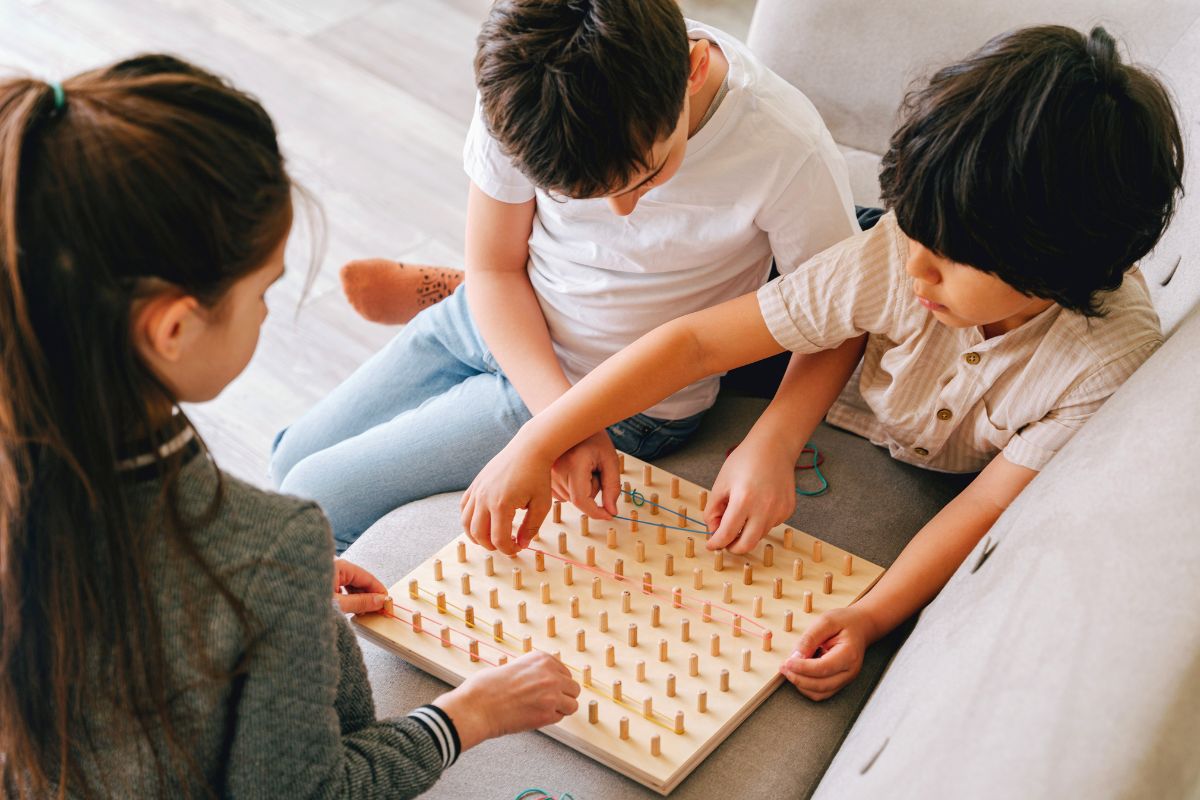
Photo by Ivan S from Pexels
Not every rainy day needs paint, glue, and a complicated setup.
Ask ChatGPT to organize ideas by parent effort:
- Low effort: You supervise while sitting down
- Medium effort: A few minutes of setup
- High effort: You actively join.
On an exhausting day, request a no-prep activity with minimal cleanup.
Try this prompt:
“Suggest three indoor games for children ages 4 and 7 that I can supervise while sitting down. Use no supplies and keep each activity under 20 minutes.”
5. Invent a Game With Supplies You Already Have
List a few simple items, such as paper, dice, cards, blocks, cups, or toy animals.
ChatGPT can turn them into a cooperative family game.
Before everyone starts, test one pretend round. Make sure the rules are clear, the game has an ending, and younger children do not wait too long for their turn.
When competition causes arguments, remove the score and give the family one shared goal.
Try this prompt:
“Create a 15-minute cooperative game for children ages 5 and 9 using paper cups, toy animals, and one dice. Make the rules simple, give everyone a role, and include a clear ending.”
6. Complete a Sibling Team Challenge
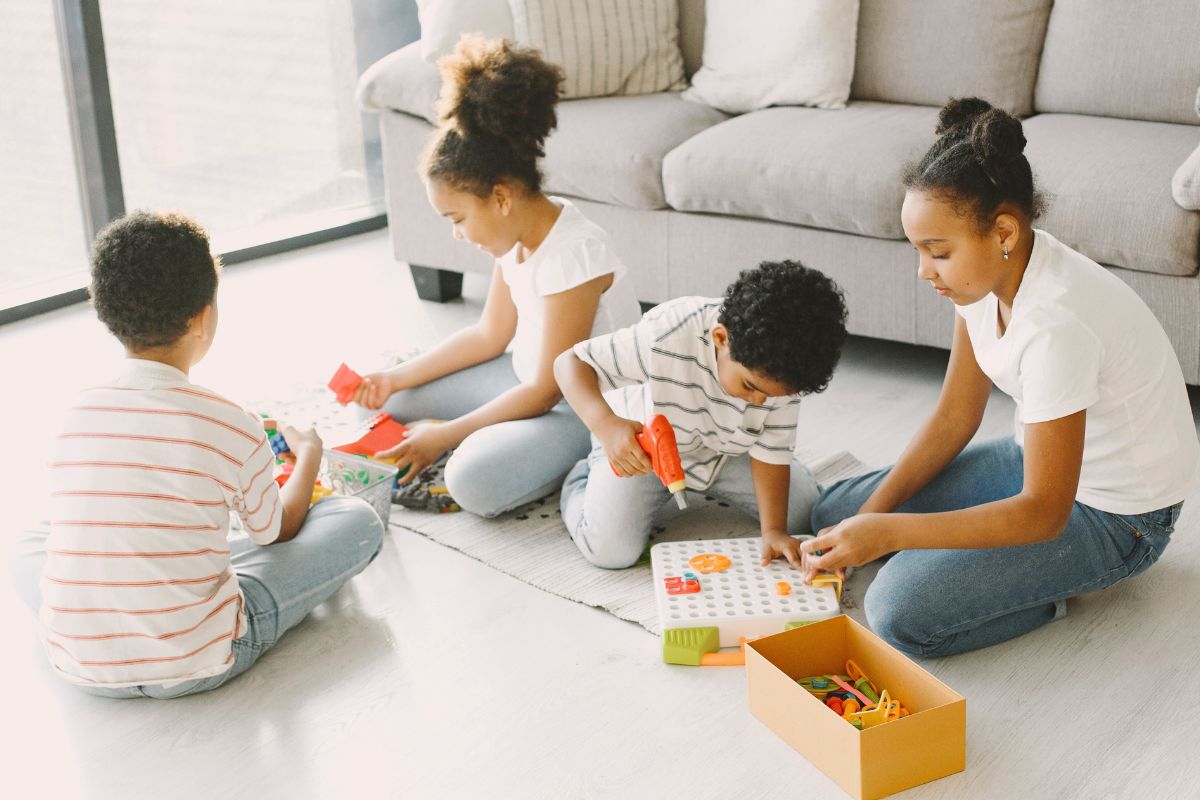
Photo by Gustavo F from Pexels
Mixed-age activities can become frustrating when one child takes over.
Instead of asking both children to do the same task, give them different roles and one shared goal.
Possible role combinations include:
- Builder and storyteller
- Designer and supply manager
- Mapmaker and explorer
- Architect and tester.
For example, one child can build a block tower while the other creates a story about who lives there. They are working on the same project without competing for the same job.
Try this prompt:
“Create a 20-minute team challenge for children ages 5 and 9 using blocks and paper. Give each child a different role and one shared goal. Make sure the younger child can participate equally.”
7. Plan Screen-Free Road-Trip Games
Prepare the games before leaving so no one needs to scroll through a phone in the car.
Good options include:
- Alphabet spotting
- Guess-the-animal clues
- Silly story chains
- Category challenges
- Sound-effect mysteries
- Twenty Questions
Choose games that take less than a minute to explain.
The driver should not need to look at a screen, keep score, or lead the activity.
Try this prompt:
“Suggest five quick, screen-free car games for children ages [X] and [Y] that take under a minute to explain and need no supplies or scorekeeping.”
8. Turn Dinner Into a Cooking Challenge

Photo by August R from Pexels
Use ingredients you were already planning to serve.
Children can:
- Build funny wrap faces
- Make their own dinner plates
- Run a pretend restaurant
- Join a family taste test.
Give each child one or two safe jobs. Adults should handle knives, hot pans, boiling water, and other risky tasks.
Try this prompt:
“We are serving [meal] for dinner. Create a kid-friendly cooking challenge for children ages [X] and [Y]. Give each child one or two safe, age-appropriate jobs using ingredients already in the meal. Keep the activity simple and easy to clean up. Adults will handle knives, heat, and other risky tasks.”
Parent Tip: Offer two or three choices instead of unlimited options so dinner stays manageable.
9. Find Crafts Using Supplies at Home
Tell ChatGPT what you already have instead of choosing a craft that requires a shopping trip.
Add practical limits such as:
- No paint or glue
- Four supplies maximum
- Cleanup under five minutes
- Must fit on a small table.
Try this prompt:
“Suggest one craft for children ages [X] and [Y] using only [list the supplies you have]. Use no paint or glue, limit the activity to four supplies, make sure it fits on a small table, and keep cleanup under five minutes.”
Parent Tip: Clear limits usually produce simpler and more realistic ideas.
10. Create an Activity Jar

Photo by Ron L from Pexels
Use ChatGPT once to prepare ideas for future bored moments.
Divide the suggestions into categories such as:
- 10-minute activities
- Quiet ideas
- Active games
- Outdoor play
- Creative projects
- Longer family activities
Review the ideas before adding them to the jar.
Try this prompt:
“Create 30 activity-jar ideas for children ages [X] and [Y]. Sort them into five categories: 10-minute activities, quiet ideas, active games, outdoor play, and creative projects. Use common household supplies, keep setup simple, and avoid screens and expensive materials.”
Parent Tip: Remove anything that costs too much, needs supplies you rarely have, requires constant adult help, or creates more mess than you want.
Keep ChatGPT Use Safe and Screen-Light
Age Note: ChatGPT is not intended for children under 13. Users under 18 must have permission from a parent or guardian. For these activities, parents should enter the prompts, review the responses, and decide what is safe and age-appropriate before sharing an idea with their children.
Use general descriptions instead of sharing full names, addresses, school details, passwords, medical records, identifying photos, or other private family information.
Once the plan is ready, close the screen and start the activity.
ChatGPT works best as a quick planning tool. It should support, not replace, outdoor play, books, family conversations, creative play, and unstructured boredom.
Final Thoughts
Give ChatGPT your children’s ages, the time you have, the supplies nearby, and the type of activity you need.
Choose one idea, adjust it, and put the screen away.
The activity does not need to be perfect. It only needs to help your family start doing something together.