

Somewhere around 4:30 every afternoon, I’d hear the same question: “What’s for dinner?”
And honestly? Half the time, I had absolutely no idea.
I’d open the fridge, stare at a random collection of ingredients, close it, open the pantry, then somehow convince myself that ordering takeout was the easiest option.
Sound familiar?
Disclosure: This post may contain affiliate links. If you purchase through one of these links, I may earn a small commission at no extra cost to you. I only recommend products, apps, and services that I personally use, trust, or believe will genuinely help busy parents. Thank you for supporting Parent Intel!
The problem wasn’t that I didn’t know how to cook. The problem was that I hadn’t planned ahead.
Once I finally found a meal planning system that worked for our busy family, everything changed. Grocery shopping became easier, we wasted less food, dinner was far less stressful, and—best of all—we actually started saving money.
The funny thing is, you don’t need an elaborate spreadsheet or hours of planning every Sunday. Sometimes all you need is the right app.
After trying several meal planning apps (and plenty of old-fashioned paper planners), these are the ones I think are genuinely worth your time.
I tried these meal planning apps, so you don’t have to!
If I Were Starting Today
If you’re not sure which app to choose, here’s what I’d recommend:
- Want the simplest grocery list? → AnyList
- Love saving recipes from Pinterest, blogs, Instagram, or TikTok? → Mealdill
- Want to save and organize your favorite recipes? → Paprika
- Want quick, family-friendly dinner ideas? → Mealime
- Love meal prepping? → Plan to Eat
- Need an all-in-one family organizer? → Cozi
- Want someone else to plan your meals? → eMeals
- Want ready-made family meal plans with printable grocery lists? → TYB Insider ❤️
Quick Comparison
| App | Grocery Lists | Recipes | Notes |
|---|---|---|---|
| AnyList | ✅ | ✅ | You can save, organize, and import recipes, but recipe management isn’t its main strength. |
| MealDill | ✅ | ✅ | Built around saving recipes from websites and social media. |
| Paprika | ✅ | ✅ | One of the best recipe managers. |
| Mealime | ✅ | ✅ | Uses its own recipes and meal plans. |
| Plan to Eat | ✅ | ✅ | Excellent for planning your own recipes. |
| Cozi | ✅ | ⚠️ Limited | Basic recipe storage, but it’s mainly a family organizer. |
| eMeals | ✅ | ✅ | Meal plans with recipes included. |
What Makes a Great Meal Planning App?
As parents, we don’t need more complicated systems. We need something we’ll actually use.
Here’s what I look for:
- Easy to plan a week’s worth of dinners
- Grocery lists that update automatically
- Recipes the whole family will actually eat
- A way to share the grocery list with my partner
- Something simple enough that I won’t give up after a week
Because let’s be honest—meal planning is supposed to make life easier, not become another chore.
One More Resource I Use
Whenever I’m stuck in a dinner rut, I usually browse The Yummy Bowl for new family-friendly recipes. I’ve found so many easy weeknight meals there over the years.
If you discover recipes you want to make, apps like Mealdill, Paprika, and Plan to Eat make it easy to save them, plan your week, and build a grocery list. And if you’d rather skip the planning altogether, TYB Insider has ready-made weekly meal plans with printable grocery lists.
Meal Planning Apps At A Glance
1. AnyList
⭐⭐⭐⭐⭐ Best for Busy Families
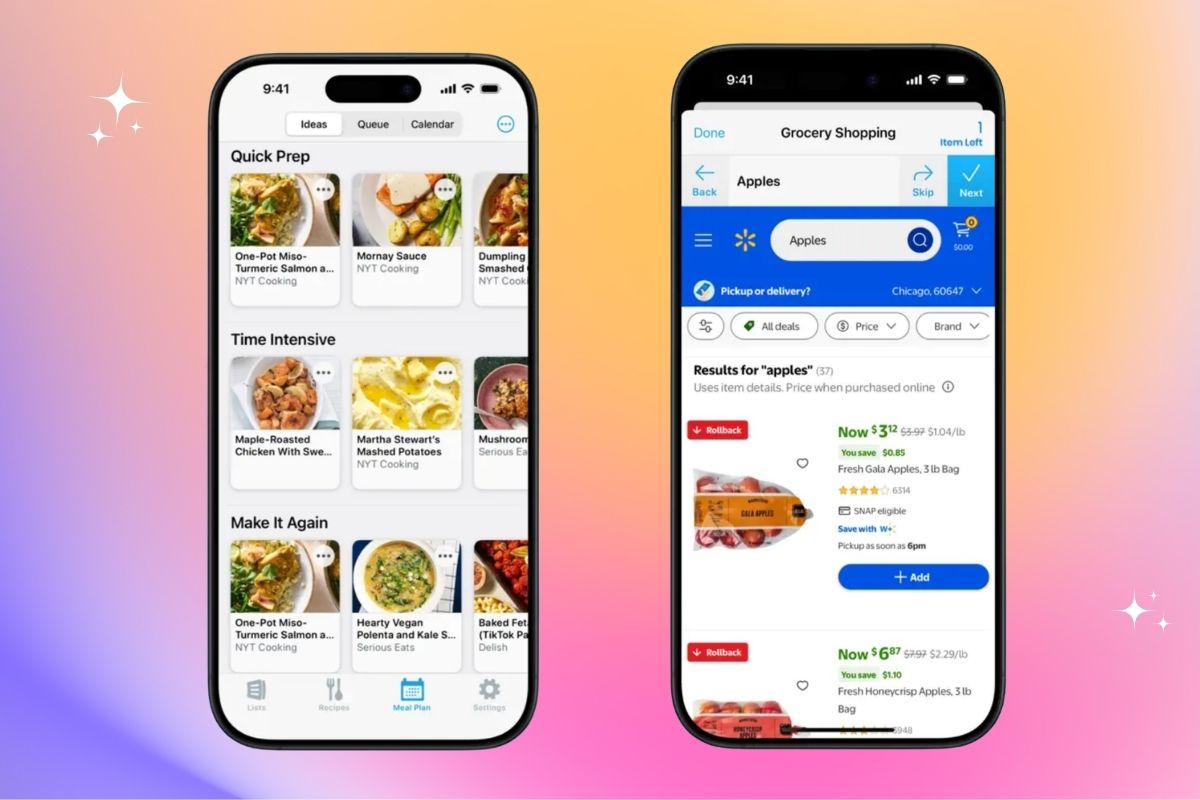
A simple shared grocery list app that makes meal planning easier for the whole family.
| What I Liked | What I Didn’t Like |
|---|---|
| Shared grocery lists | Premium features require a subscription |
| Easy to use | |
| Works on multiple devices | |
| Helps prevent duplicate purchases |
Why I Recommend It
If I could only recommend one meal planning app to busy parents, this would be it.
I downloaded AnyList because I was tired of texting grocery items back and forth. Now, whenever we run out of something, anyone in the family can add it to our shared grocery list in seconds.
I also love that it organizes the list by grocery store aisle, making shopping faster and helping us avoid buying duplicates.
Price: Free, premium features require a subscription
2. Mealdill
⭐⭐⭐⭐⭐ Best for Families Who Love Finding Recipes Online
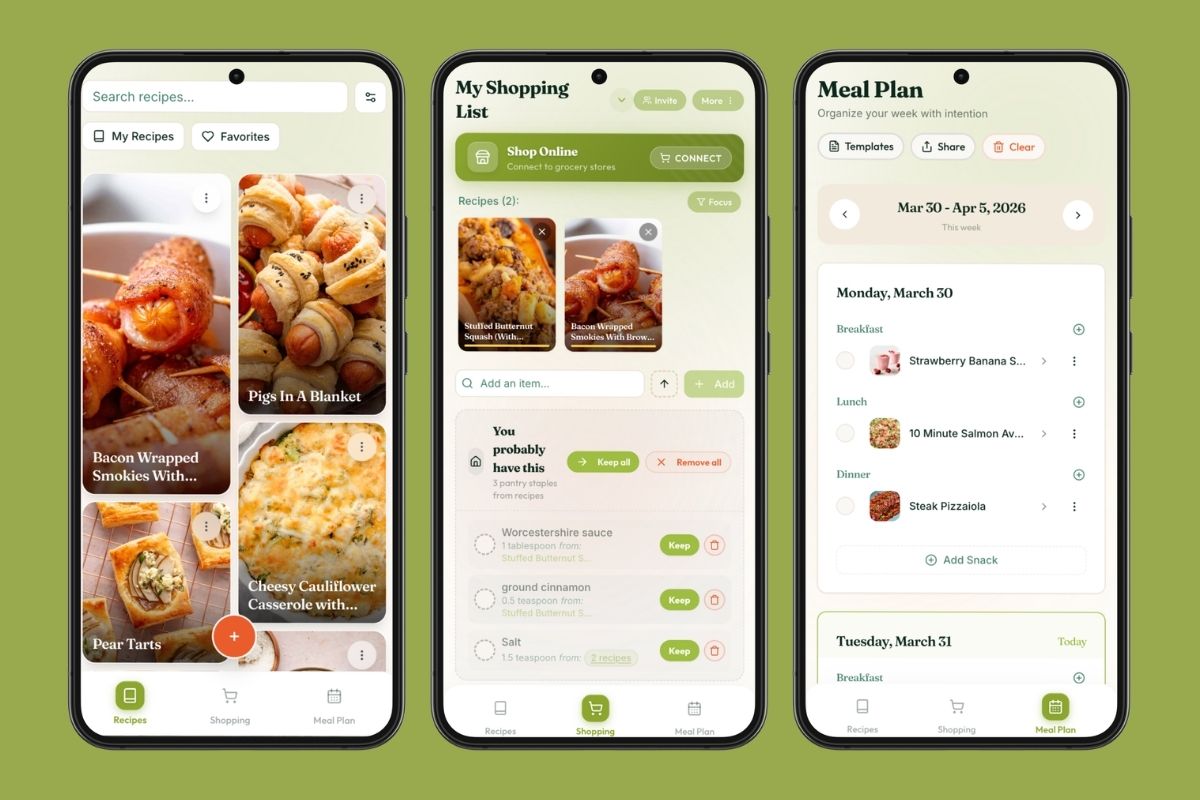
A smart meal planning app that turns recipes from your favorite websites and social media into organized meal plans and grocery lists.
| What I Liked | What I Didn’t Like |
|---|---|
| Import recipes from blogs, Instagram, TikTok, and websites | Premium features require a subscription |
| Automatic grocery lists | |
| Family sharing | |
| Weekly meal planning calendar |
Why I Recommend It
If you’re manually saving recipes from Instagram, TikTok, Pinterest, or food blogs (guilty! 🙋♀️), Mealdill makes it so much easier to keep everything in one place.
You can import recipes from almost anywhere, plan your weekly meals, automatically generate grocery lists, buy groceries, and even share everything with your family. It’s a great option if you’re tired of scrolling through screenshots trying to remember that recipe you wanted to make.
Price: Free, premium features require a subscription
3. Paprika
⭐⭐⭐⭐⭐ Best for Organizing Your Favorite Recipes
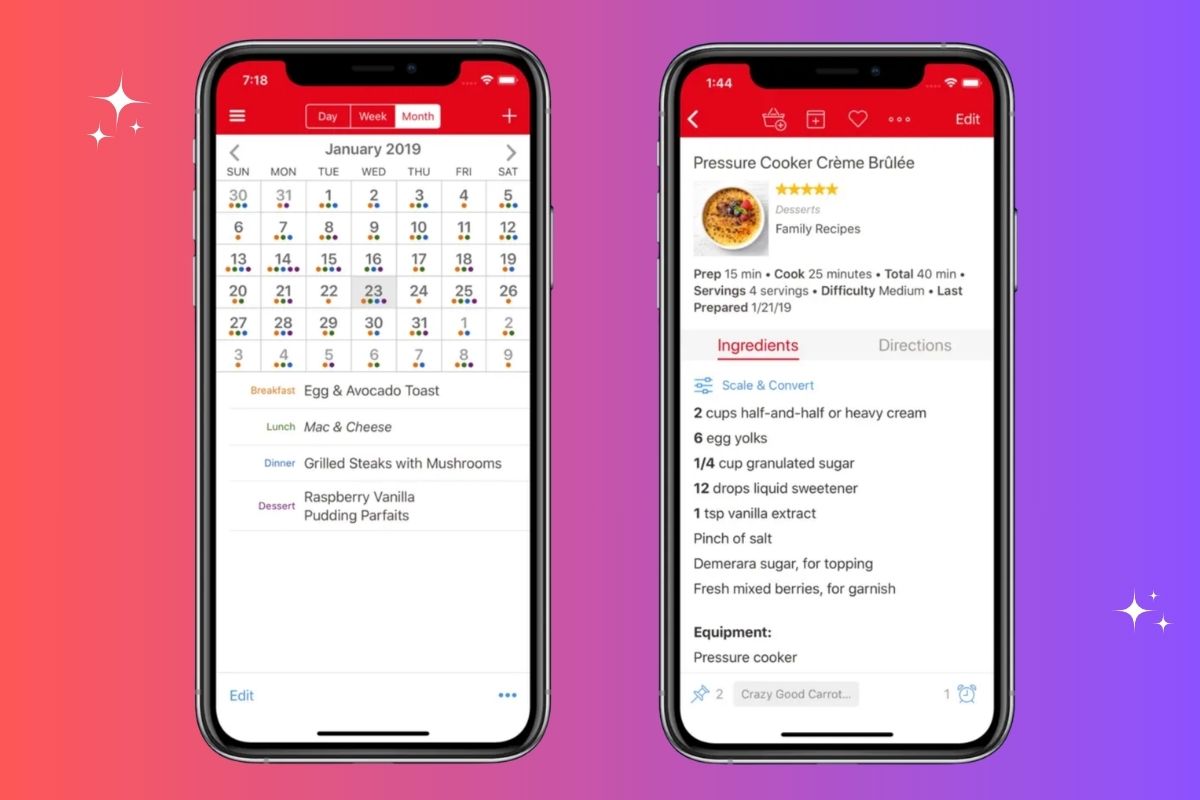
A powerful recipe manager that keeps all your favorite family recipes, meal plans, and grocery lists in one place.
| What I Liked | What I Didn’t Like |
|---|---|
| Automatically creates grocery lists | No free version (paid app) |
| Organize recipes into folders and categories | Takes a little time to set up your recipe collection |
| Meal planning calendar included | |
| Powerful search and recipe scaling tools | |
| Save recipes from almost any website |
Why I Recommend It
If you cook from lots of different websites, Paprika makes it easy to keep everything organized. Instead of juggling browser tabs, screenshots, and bookmarks, you can save recipes from almost any website into your own digital cookbook.
I especially like that it lets you organize recipes into categories, plan your weekly meals, and automatically create grocery lists. It’s a great option if you enjoy cooking at home and want all your favorite recipes in one easy-to-search place.
Price: Prices vary for mobile and desktop, starting from $4.99
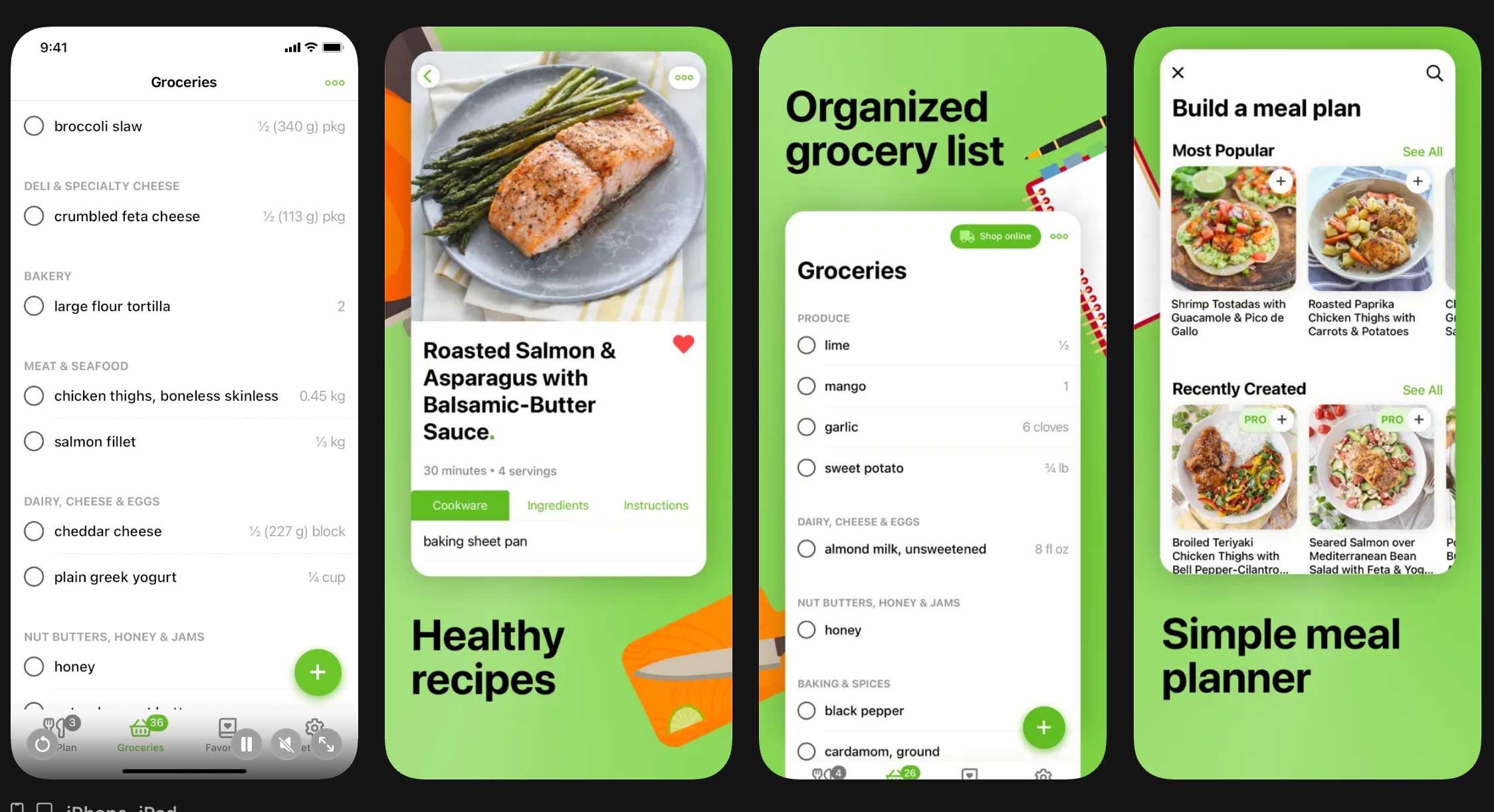
4. Mealime
⭐⭐⭐⭐⭐ Best for Busy Weeknight Dinners
A simple meal planning app that creates personalized meal plans and grocery lists in minutes.
| What I Liked | What I Didn’t Like |
|---|---|
| Beginner-friendly and easy to use | Some premium features require a subscription |
| Personalized meal plans | Smaller recipe library than some competitors |
| Automatic grocery lists | Fewer customization options in the free version |
| Quick, family-friendly recipes |
Why I Recommend It
Some weeks, I don’t even want to think about what to cook—and that’s exactly where Mealime shines.
You simply choose your family’s preferences, dietary needs, and favorite foods, and Mealime creates a personalized meal plan along with a grocery list. Most recipes are quick, simple, and designed for busy weeknights, making it much easier to cook at home without spending hours planning meals.
Price: Free to download, with optional Mealime Pro subscription.
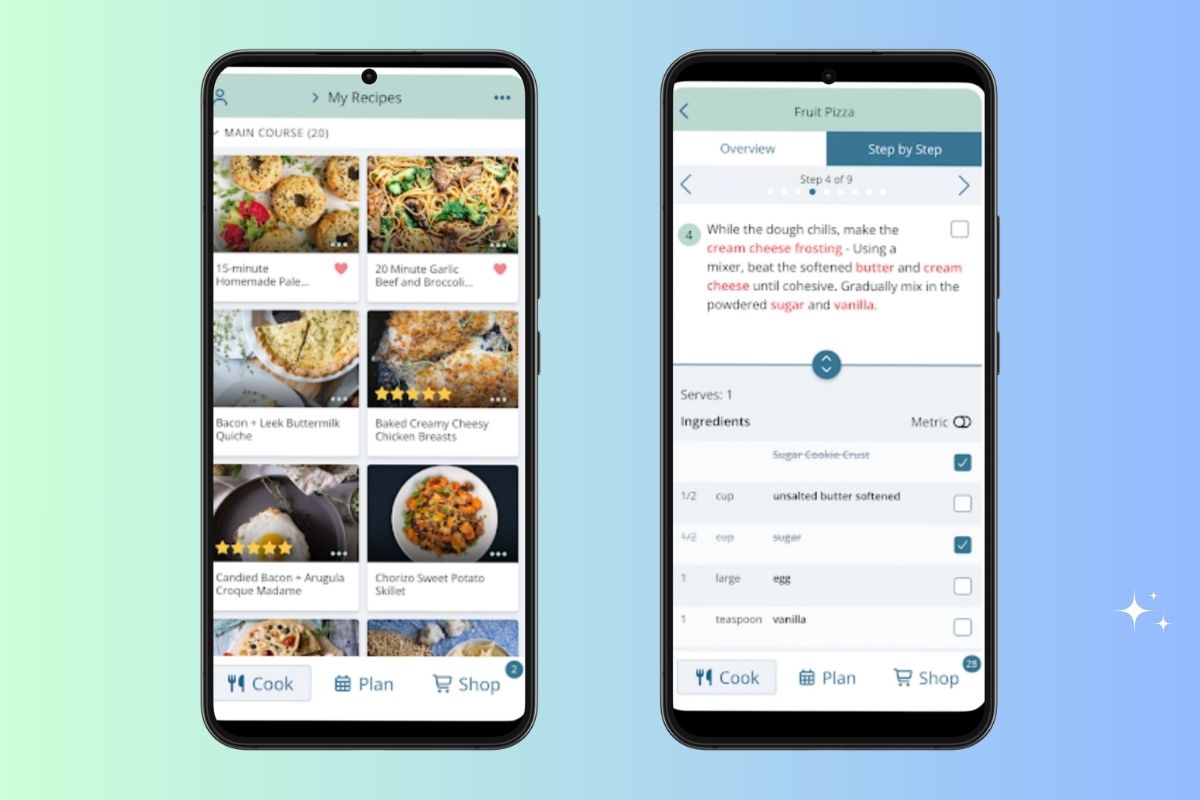
5. Plan to Eat
⭐⭐⭐⭐⭐ Best for Meal Prep and Reducing Food Waste
A flexible meal planning app that helps you organize recipes, plan meals, and make the most of the ingredients you already have.
| What I Liked | What I Didn’t Like |
|---|---|
| Drag-and-drop meal planning calendar | No permanent free version |
| Automatically creates grocery lists | Can feel overwhelming at first |
| Great for meal prepping | Takes a little time to set up |
| Helps reduce food waste | |
| Imports recipes from websites |
Why I Recommend It
If you like cooking once and enjoying leftovers throughout the week, Plan to Eat is a fantastic option.
You can import recipes from your favorite websites, drag and drop them onto your meal planning calendar, and automatically generate a grocery list. I especially like that it’s easy to plan meals around ingredients you already have, which helps reduce food waste and keeps grocery costs under control.
Price: Free trial available, then a yearly subscription.
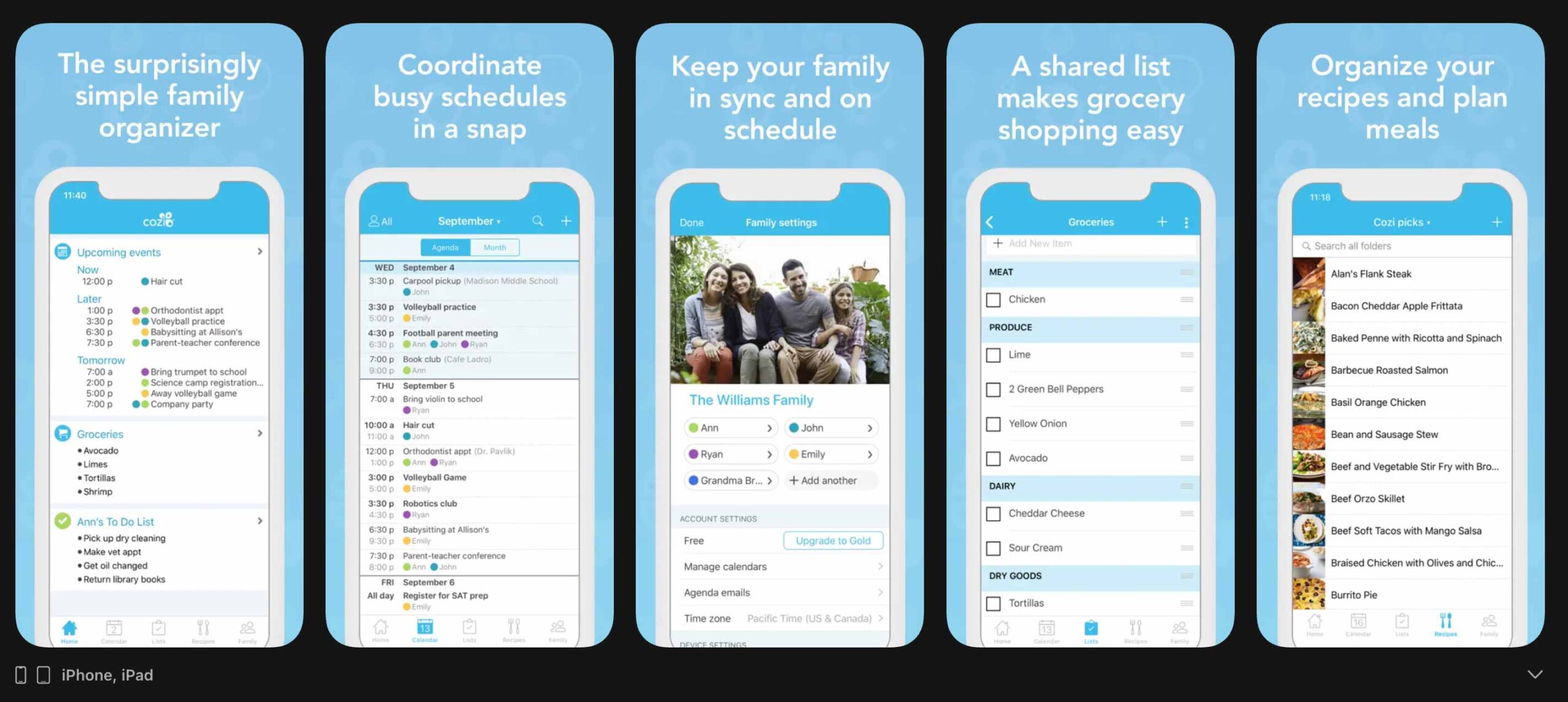
6. Cozi Family Organizer
⭐⭐⭐⭐⭐ Best All-in-One Family Organizer
A family organization app that combines meal planning, calendars, shopping lists, and to-do lists in one place.
| What I Liked | What I Didn’t Like |
|---|---|
| Shared family calendar | Meal planning features are more basic |
| Shared shopping lists | Some premium features require Cozi Gold |
| To-do lists for the whole family | Interface feels a little dated |
| Easy to coordinate busy schedules |
Why I Recommend It
Meal planning is only one piece of family life, and Cozi helps keep everything organized in one app. Along with meal planning, you can manage shared calendars, shopping lists, appointments, and family to-do lists.
If your family is constantly juggling school, sports, work, and activities, Cozi makes it much easier for everyone to stay on the same page.
Price: Free to use, with an optional Cozi Gold premium subscription.
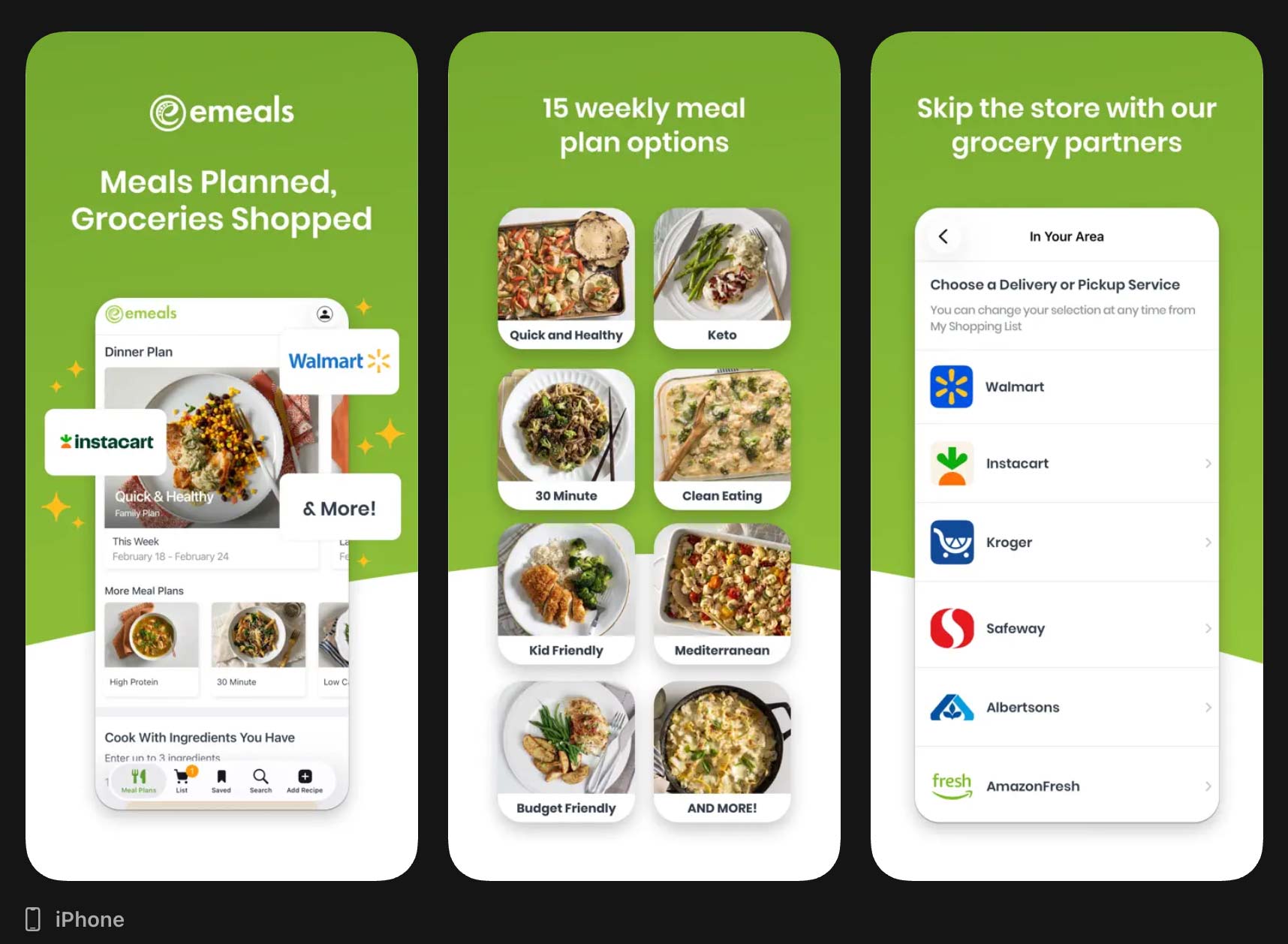
7. eMeals
⭐⭐⭐⭐⭐ Best for Done-for-You Family Meal Plans
A meal planning service that creates weekly meal plans and grocery lists, so you don’t have to.
| What I Liked | What I Didn’t Like |
|---|---|
| Weekly meal plans created for you | Paid subscription required |
| Automatic grocery lists | Less flexibility than planning your own meals |
| Family-friendly recipes | Recipe selection depends on your chosen plan |
| Integrates with grocery pickup and delivery |
Why I Recommend It
Some weeks, I don’t want to decide what’s for dinner—I just want someone else to do the planning.
That’s exactly what eMeals offers. You choose your family’s preferences, and each week you’ll receive a ready-made meal plan with a matching grocery list. It even integrates with grocery pickup and delivery services, making dinner planning almost effortless.
Price: Free trial available, then a monthly or annual subscription.
My Favorite Meal Planning Tools
Along with these apps, there are a few things I use all the time:
- A magnetic meal planner for the fridge
- Glass food storage containers for leftovers
- A dry erase grocery list
- Clear pantry containers
- An Echo Show for displaying recipes while cooking
These little tools make meal planning feel much easier and help our family stay organized.
best meal planing Apps: Summary
Meal planning hasn’t made parenting easier every single day. But it has made one part of our day so much less stressful.
I spend less time wondering what’s for dinner, less money on last-minute takeout, and far less food ends up forgotten in the back of the fridge.
And honestly, that’s a win in my book.
If you’re just getting started, don’t overthink it. Pick one app, plan a few dinners for the week, and see how it feels. You might be surprised at how much time, money, and stress it saves.
Before You Go
If you found this article helpful, I’d love to hear from you. Leave a comment below to share your own experience, ask a question, or let me know what topics you’d like us to cover next. Your ideas and stories help us create better resources for parents everywhere.