

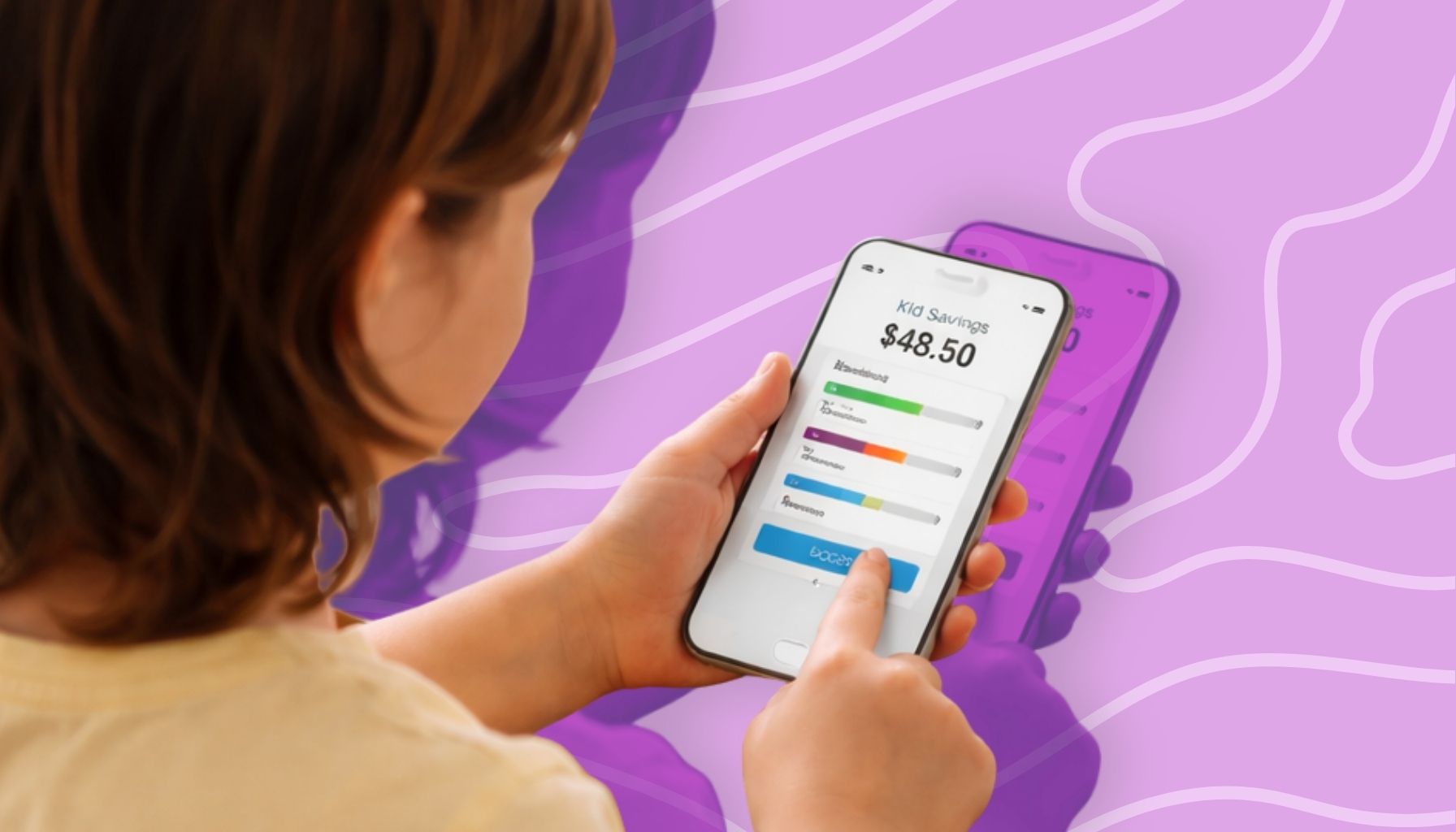
Money apps and games that teach kids real life finance skills honestly made a bigger difference in our house than any lecture ever did.
Parent Intel contains affiliate links and is a member of the Amazon Services LLC Associates Program. If you make a purchase using one of our links, we earn a small commission.
Because here’s the thing…
no one tells you how hard it is to explain money to kids.
You say “we can’t buy that today,”
and somehow it turns into a full meltdown in aisle three.
We’ve been there.
But once we started using simple money apps for kids and a few budgeting games for kids, everything clicked faster.
Not perfect.
But way better.
And the best part?
They were learning without even realizing it.
KEY TAKEAWAYS
- Kids learn faster when money lessons feel like a game
- Simple financial literacy for kids tools beat long explanations
- Apps help kids understand digital money (which they see every day)
- Games build real decision-making skills without pressure
- Consistency matters more than the “perfect system”
If You Want to Start Right Now
- Pick one app or game (don’t overwhelm yourself)
- Let your child explore it with you for 10 minutes
- Talk through one simple decision (save or spend)
- Keep it light, not a lecture
- Repeat once a week
Why These Money Apps And Games Actually Work

Photo by Ivan S from Pexels
There’s only so much a piggy bank can teach.
Kids today see cards, phones, and “tap to pay”… not coins.
So we stopped fighting that and leaned into it.
These tools helped us teach:
- how to teach kids about money in real life
- saving and spending habits for kids
- basic budgeting skills for beginners
- decision-making with money
And honestly?
This is where most parents get stuck.
We expect kids to understand money…
without ever letting them practice it.
The Best Money Apps For Kids That Actually Help

Photo by Karola G from Pexels
1. BusyKid
BusyKid is part allowance tracker, part chore system, and part budgeting app for kids.
Kids earn money, then decide to save, spend, or give.
Why it works:
It connects effort → money → choices.
Real-life moment:
One of our kids rushed through chores just to “get paid”… then realized sloppy work didn’t count. Lesson learned fast.
Parent tip:
Start with small, clear tasks like folding laundry or packing snacks.
2. Greenlight
Greenlight gives kids a debit card with full parental controls.
It’s great for older kids learning how to manage money for kids in real life.
Why it works:
They feel independent but you’re still in control.
What surprised us:
Our kids got excited about saving just to earn interest.
Didn’t expect that.
Common mistake:
Giving too much freedom too early. Start small.
3. PiggyBot
Available on the App Store and Google Play, is perfect for younger kids just starting with money lessons at home.
No real money involved. Just tracking.
Why we love it:
It mirrors the classic “save, spend, share” system.
What actually worked for us:
We paired it with real jars.
Digital + physical = better understanding.
4. RoosterMoney
Great for families with multiple kids.
Tracks allowance, chores, and saving goals for kids.
Why it stands out:
Kids can SEE progress toward something they want.
And that changes everything.
Personal story:
One of our kids saved for weeks for a toy…
then decided not to buy it.
That was new.
The Best Money Games That Teach Kids Without Feeling Like Lessons

Photo by Atlantic Ambience from Pexels
5. The Game Of Life Junior
This one surprised us.
It turns life choices into simple decisions kids can understand.
Why it works:
Kids see how spending affects everything else.
What happened in our house:
Our youngest bought everything, pet, bike, extras and ran out of money fast.
He didn’t forget that.
6. Monopoly Deal
Quick. Competitive. Teaches strategy.
And it doesn’t drag on for hours.
Why it works:
Kids learn about risk, rewards, and planning ahead.
Parent tip:
Keep snacks nearby. Trust me.
How To Use Money Apps And Games Without Overcomplicating It

Photo by u_7t3pzgk3ax from pixabay
Keep It Age Appropriate
Younger kids need visuals.
Older kids can handle digital budgeting tools for kids.
Don’t rush it.
Be Involved At The Start
Sit with them the first few times.
Not to control just to guide.
This is where real learning happens.
Connect It To Real Life
When your child spends money:
“Hey, remember when you saved in your app?”
That connection matters.
Keep It Part Of Your Routine
We check money once a week.
Same time. Same flow.
Simple works.
Keep Talking About Money
Small questions go a long way:
- What would you buy with $20?
- What are you saving for?
- Was that worth it?
These build money habits for kids over time.
Common Mistakes To Avoid

Photo by Karola G from Pexels
- Turning it into a lecture
- Giving money without responsibility
- Expecting instant results
- Using too many apps at once
Pick one system.
Stick with it.
That’s what works.
FAQ
As early as 4–5 with simple concepts like saving and spending.
Yes, especially with parental controls like Greenlight or BusyKid.
Start with simple tracking apps or jars, then move to real money gradually.
Keep it simple. One decision at a time, save, spend, or wait.
Final Thoughts
You don’t need the perfect system or to get it all right, you just need to start, even in small ways.
Because those small moments, when your child saves up and buys something on their own, are the ones that really stick and build confidence over time.
And if something simple like a money app for kids or a family game night helps, that’s a meaningful win and a great step in the right direction.